Settings
The Settings section is where you configure how TechSuite behaves behind the scenes. From activating devices and setting up printers to managing archived content, these tools define how your system operates day to day.
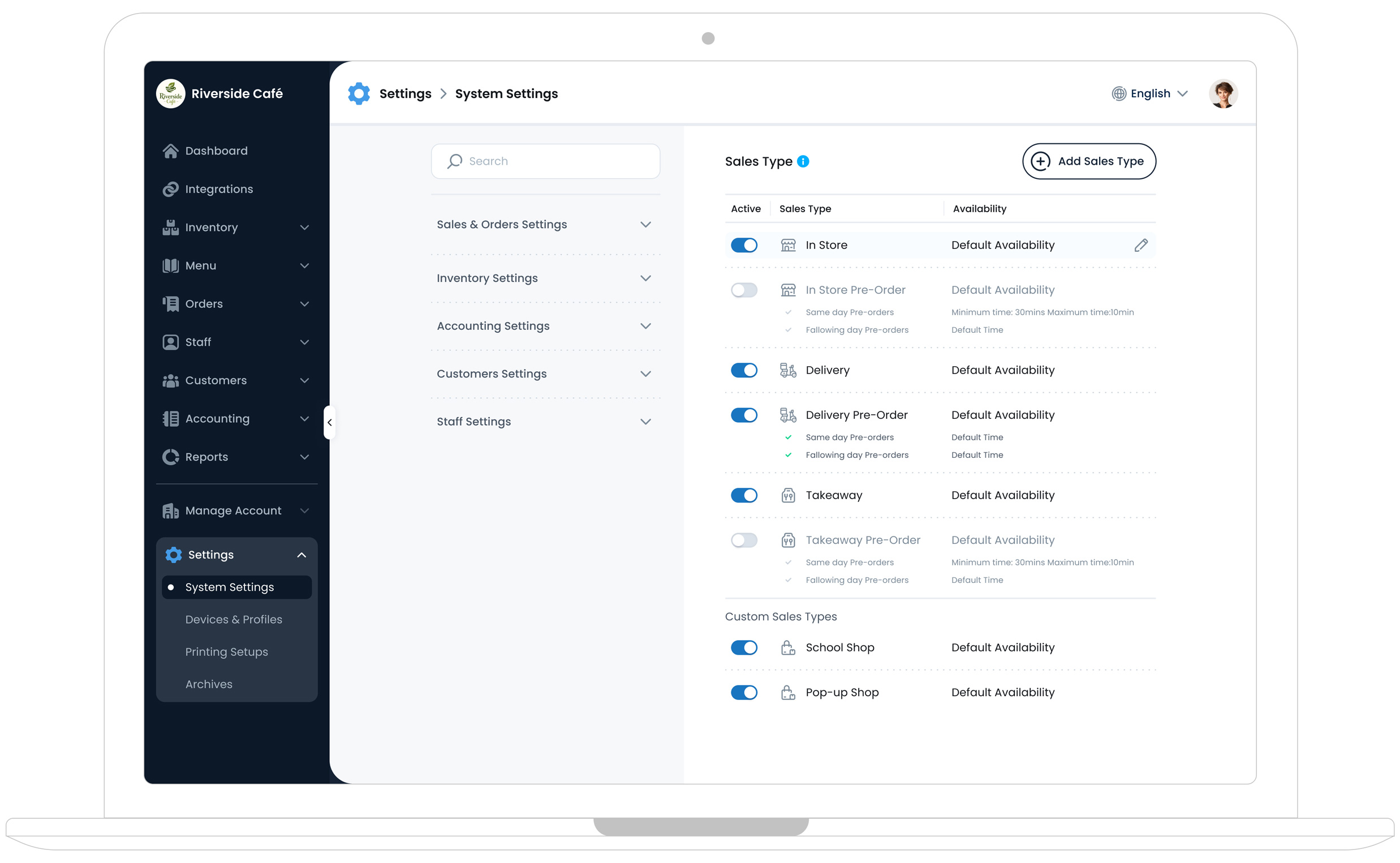
System Settings
System Settings let you define the key rules that control how TechSuite works across all modules (like POS, Kiosk, and Online Ordering).
Sales and Orders Settings
Sales Type Availability Setup Order Alert Sound Custom ReasonsInventory Settings
Item Units Item Conditions Inventory Locations Item TagsAccounting Settings
Sales TaxCustomer Settings
Customer GroupsStaff Settings
Staff Roles & AccessDevices and Profiles
The Devices & Profiles section is where you manage which devices are authorised to run TechSuite’s POS, Kiosk, KDS, or Digital Menu systems.
How to Register a New Device Licence How to Create a New POS Profile How to Create a New Kiosk Profile How to Create a New KDS Profile Edit and Archive a POS Profile Edit and Archive a Kiosk Profile Edit and Archive a KDS Profile Edit and Archive a Menu Display Profile